 Widget Vault
Disk Space Widget for Mac: Check Your Storage at a Glance
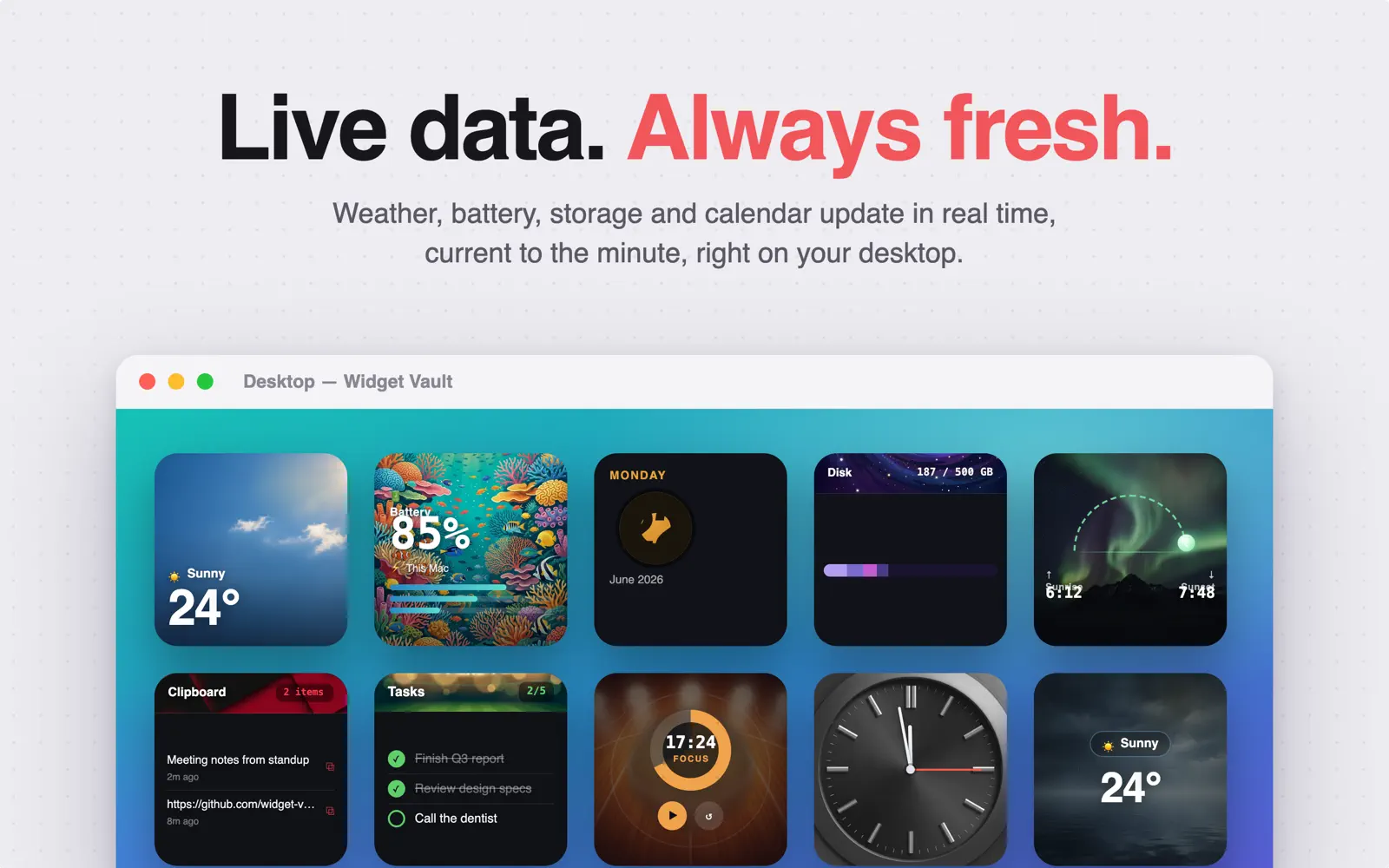
On a Mac, finding out how full your disk is takes a trip through System Settings → General → Storage — and then a long wait while the bar calculates. A disk space widget keeps the answer on your desktop permanently: 187 / 500 GB, updating on its own, styled like it belongs there.
Three ways to see your storage
- Donut chart — used vs. free at a glance; the classic gauge.
- Stacked bar — a slim horizontal bar with segment colors, great in Small size.
- Category breakdown — see what is eating the space, not just how much.
Styles range from clean dark cards to the Deep Space theme — your storage bar drifting over a starfield — plus coral reef and more. All of them follow Dark Mode.
Set it up in under a minute
- Download Widget Vault from the Mac App Store and open it.
- Choose Disk Space in the gallery, pick donut, bar or breakdown, and pick a theme.
- Control-click your desktop → Edit Widgets → drag the disk widget from the Widget Vault section.
- Click Done. The numbers refresh automatically as your storage changes.
Widget basics live here: how to add widgets to your Mac desktop.
Why watch disk space at all?
macOS gets grumpy when the startup disk runs low — updates fail, swap space shrinks, exports error out at 99%. The fix is never fun under deadline. A glanceable gauge means you notice at 80% instead of discovering it at 98%, and clean up on your own schedule.
Common questions
Does the widget slow down my Mac?
No — it's a native WidgetKit widget on a refresh timeline, not a background process constantly scanning your drive.
Does it update automatically?
Yes. The widget refreshes itself periodically; there's nothing to click. (If it ever looks stale, remove and re-add it — see widgets not updating fixes.)
Is the disk space widget free?
It's part of Premium: free for 7 days, then $1.99/month, $9.99/year or $19.99 lifetime.
Know before it's full
Put a live storage gauge on your desktop — start your free 7-day Premium trial today.

Free download · macOS 14 Sonoma or later