 AI Writing & Study Assistant
Every top AI model. One Mac app.
Switch between Claude 4.6, Gemini 3.1, Grok 4, DeepSeek and 50+ more — instantly, in a single window. Web search, image generation, PDF analysis and 50+ built-in tools for school, work and life.

Free download · macOS 14 Sonoma or later · No account required
One window. Everything AI.
Stop juggling browser tabs and separate subscriptions — every capability lives in one native Mac app.
See it in action
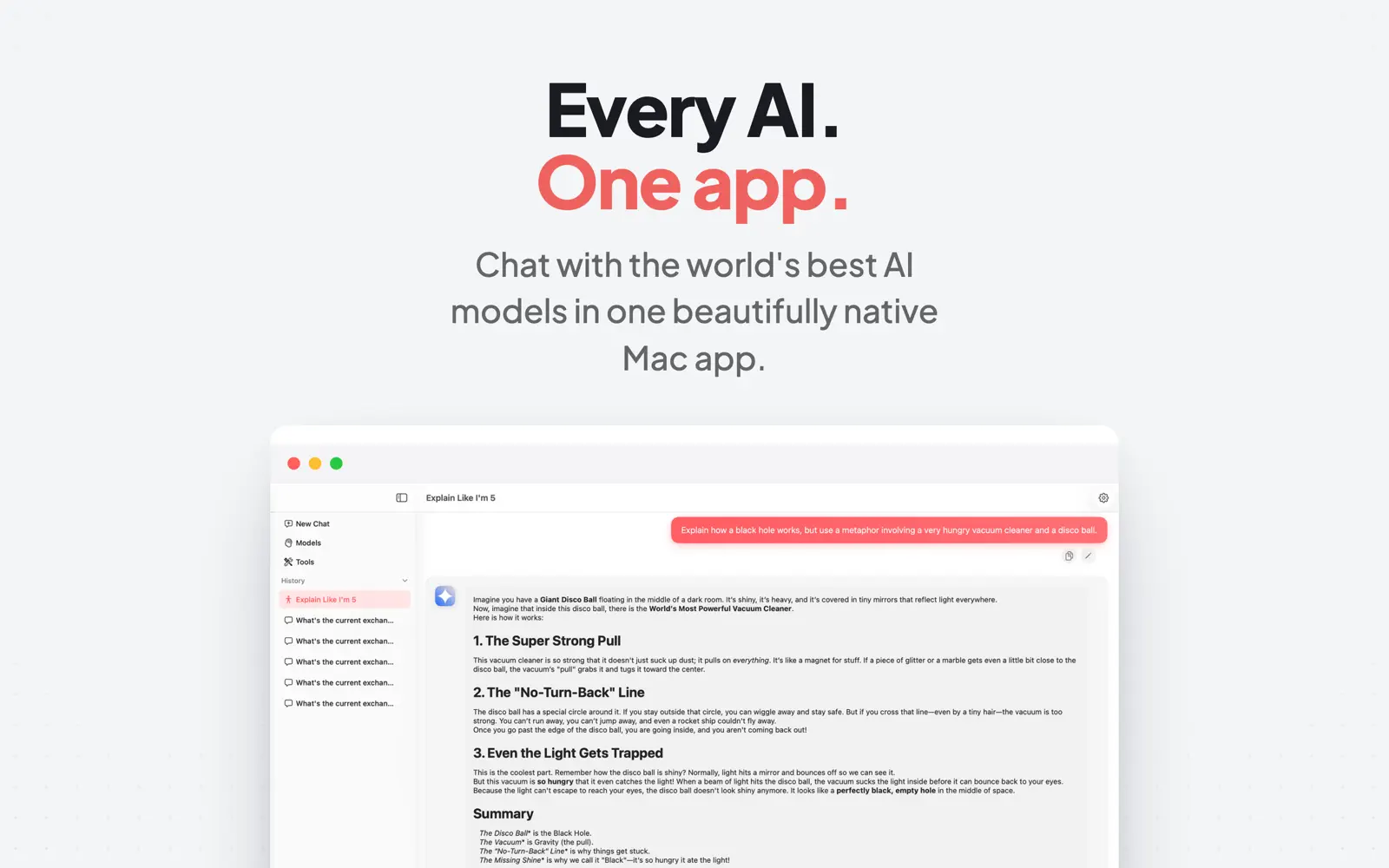
Models, tools, web search and image generation — all in one clean native window.


From download to answer in one minute
No API keys, no configuration, no account signup.
Download free
Get AI Writing & Study Assistant from the Mac App Store. Free to start — no signup.
Pick your model
Open the model list and choose Claude, Gemini, Grok, DeepSeek or 50+ others — switch any time, mid-conversation.
Ask, attach, or pick a tool
Type a question, attach a PDF or photo, enable web search, or launch one of 50+ ready-made tools.
Keep every chat
History is saved locally and synced with iCloud, so nothing you write is lost.
Guides & how-tos
How to get every top AI model working for you on a Mac.
The Best ChatGPT Alternative for Mac
50+ models in one native app — why one subscription beats five.
Read guide →How to Use DeepSeek on Mac
No official Mac app? No problem — and no terminal required.
Read guide →How to Use Claude on Mac
Chat with Claude 4.6 Sonnet in a native Mac window.
Read guide →How to Use Gemini on Mac
Gemini 3.1 Pro and 3 Flash without a browser tab.
Read guide →How to Use Grok on Mac
Grok 4 in a real Mac app — switchable with every other model.
Read guide →AI Essay Writer for Mac
Brainstorm, outline, draft and cite — without leaving one window.
Read guide →Summarize a PDF with AI on Mac
Attach any PDF and get key points in seconds.
Read guide →AI Image Generator for Mac
Prompt to 4K image, inside the chat — any style, any ratio.
Read guide →AI Study Assistant for Mac
Flashcards, quizzes, study schedules and ELI5 explanations.
Read guide →AI Resume & Cover Letter Writer for Mac
Polish bullets, draft cover letters and prep interviews with AI.
Read guide →Frequently asked questions
Quick answers about AI on the Mac.
What is the best AI app for Mac?
AI Writing & Study Assistant puts 50+ top models — Claude 4.6, Gemini 3.1, Grok 4, DeepSeek and more — in one native app with web search, reasoning, image generation and PDF analysis. Free to start, so you can compare models yourself. Learn more →
Is there a good ChatGPT alternative for Mac?
Yes — one app with 50+ models from Anthropic, Google, xAI and DeepSeek means you're never locked to a single provider, and you can compare answers side by side. Learn more →
How do I use DeepSeek on a Mac?
DeepSeek has no official Mac app, and local installs need the terminal. Here, DeepSeek V4 and R1 are in the model picker — download, select, chat. Learn more →
Can I use Claude on my Mac?
Yes — Claude 4.6 Sonnet and 4.5 Haiku are in the model list, next to every other top model. Learn more →
Can the AI search the web for current answers?
Yes. Web Search mode returns real-time, source-cited answers — structured with tables and steps instead of walls of text. Learn more →
Can it generate images?
Yes — up to 4K, any style from art to photorealistic, any aspect ratio, generated right inside the chat. Learn more →
Can I summarize a PDF with AI on Mac?
Attach any PDF, document or photo and ask for a summary, key points, or specific answers. Learn more →
Does it help with essays and studying?
Built-in tools cover the whole study workflow: Essay Brainstormer, Thesis Generator, Citation Formatter, Flashcards, Quiz Creator, Study Schedules and ELI5 explanations. Learn more →
Is the app free?
Free to download and start. A Pro subscription (weekly, monthly or yearly, with a free trial, billed via Apple ID) unlocks full access. Cancel anytime in App Store settings.
Where are my chats stored?
Locally on your Mac, synced via iCloud — no third-party account required. Learn more →
Every top AI model is one click away
Download free, pick a model, and get your first answer in under a minute — no account, no API keys.
macOS 14+ · Free to start · Pro with free trial