Download for Mac
30+ formats supported

One App,
Any Format.

Convert videos, audio, images, and documents on your Mac in seconds. Just drag, drop, and done. No account required, files are deleted from servers after conversion completes.
MP4 HEIC MP3 PDF MOV DOCX WAV AVIF + more
video.mp4 MOV
photo.heic PNG
music.wav MP3
report.docx PDF
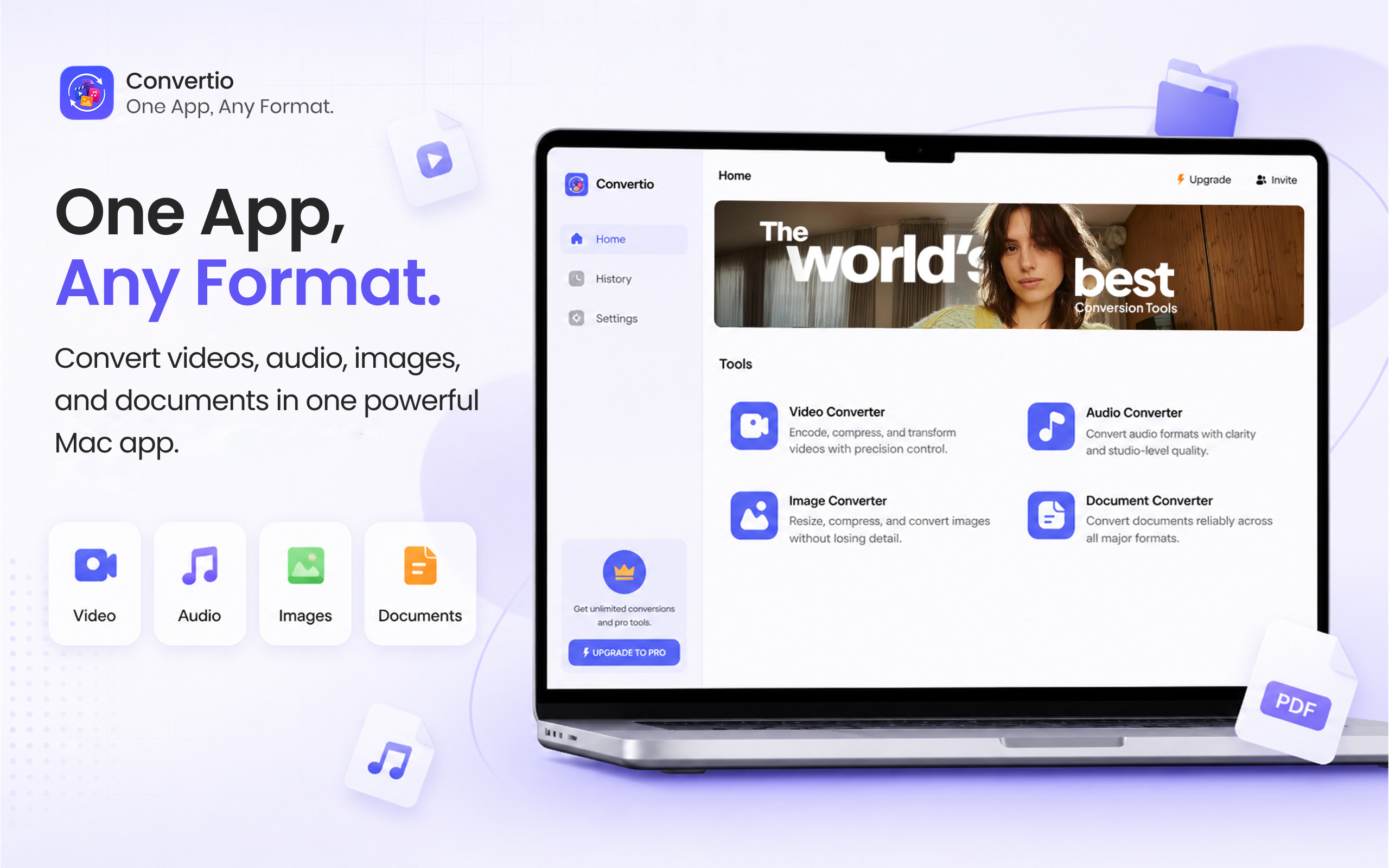
File Converter showing all four converter tools on macOS
In action

Drag. Drop. Done.

Watch File Converter convert a file from drag to download.

Home
History
Settings
Home
Video Converter
MP4 · MOV · MKV · AVI
Audio Converter
MP3 · WAV · M4A · WEBA
Image Converter
PNG · JPG · HEIC · AVIF
PDF
Document Converter
PDF · DOCX · TXT · HTML
Video Converter
Drop Files here
or choose files to upload · Max 100 MB
Video Converter
File Name Size Duration Convert To
video.mp4 24.5 MB 2:34
MP4
MP4
MOV
MKV
AVI
WEBM
Video Converter
File Name Size Duration Progress
video.mp4 → MOV 24.5 MB 2:34
Converting...
History
Video
Audio
Image
Documents
File Name Size Duration Status
video.mov 18.2 MB 2:34
Done
video.mp4
1 Select converter
2 Drop your file
3 Pick format
4 Convert
Done
All-in-one

Stop juggling 5 different apps.

Video, audio, image, and document conversion all in one app. Pick the converter you need.

Video Converter

Convert videos between popular formats quickly. Drag your video, pick an output format, and click Convert. Batch convert multiple files at once.

MP4MOVMKV AVIWEBMGIF MPEGTS
Audio Converter

Convert audio files between popular formats. MP3, WAV, M4A, WEBA, WMA and more, all converted without quality loss. Batch convert your library at once.

MP3WAVM4A WEBAWMAM4B AC3AMR
Image Converter

Perfect for iPhone HEIC photos. Convert HEIC, PNG, JPG, AVIF and more. Batch convert multiple images at once without losing quality.

HEICHEIFPNG JPGGIFAVIF
PDF
Document Converter

Word to PDF, PDF to Word, and everything in between. Preserves formatting, fonts, and layout reliably across all major formats.

PDFDOCXDOC HTMLTXTRTF WPSDOTX
Effortless

Just drag,
drop, Convert.

Drop your files into the app and convert formats in seconds. No setup, no learning curve, just works.
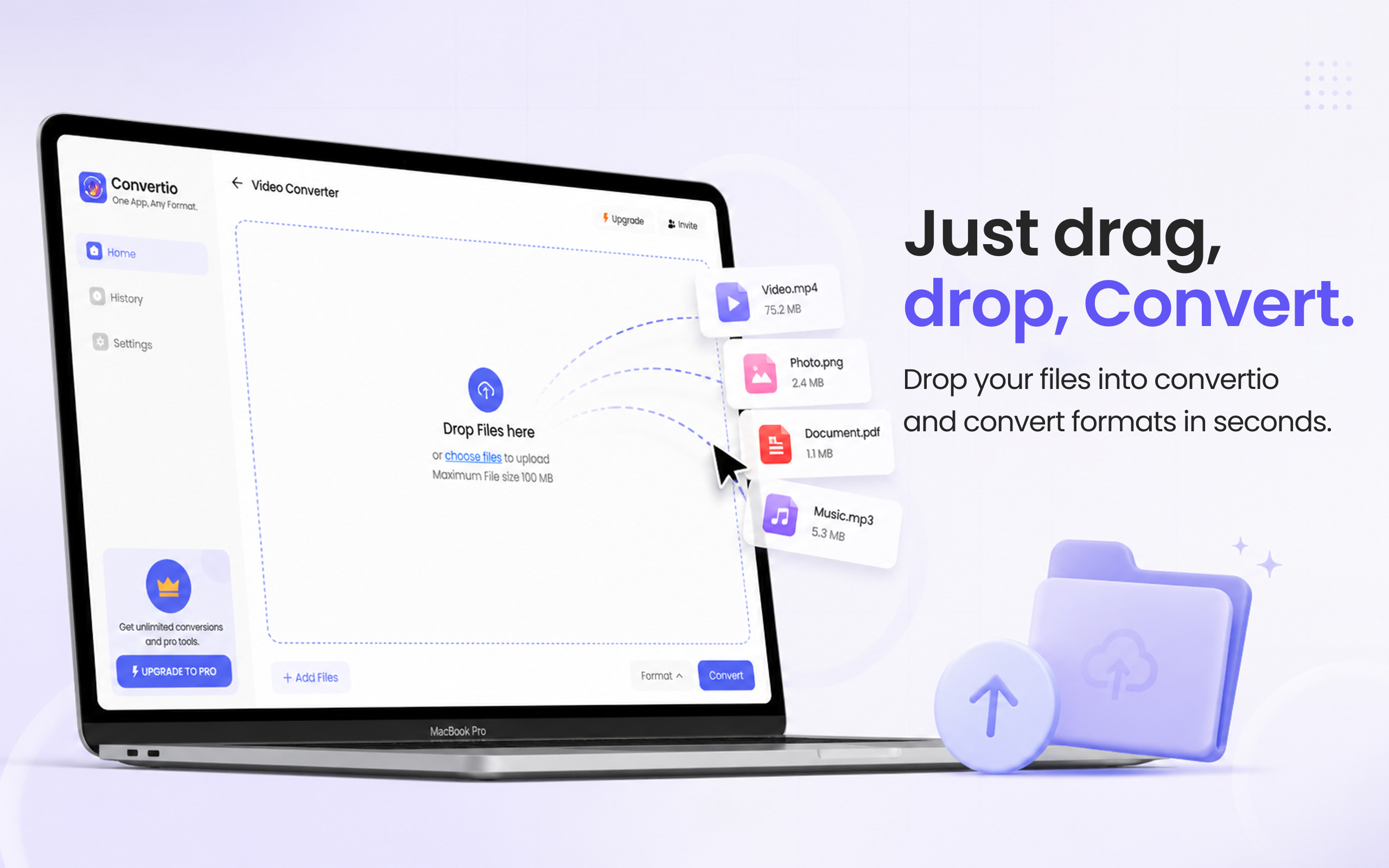
Drag and drop files to convert Video.mp4, Photo.heic, Document.pdf, Music.mp3
See it in action

Convert without limits.

Every format category has a dedicated, purpose-built converter. Pick what you need or use them all.
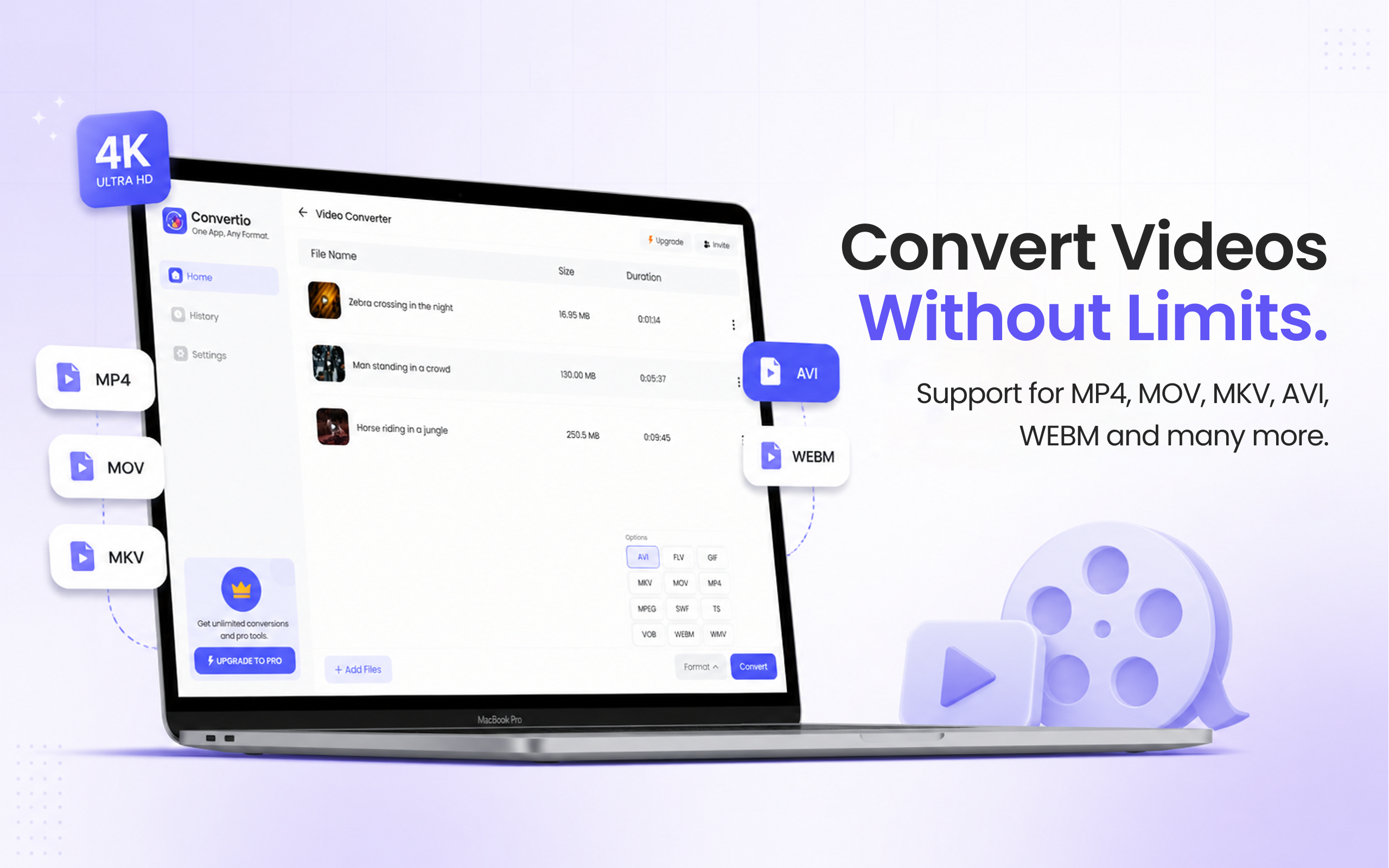
Video converter MP4, MOV, MKV and more
Video

Convert Videos
Without Limits.

Fast, reliable conversion between video formats. Convert MP4, MOV, MKV, AVI, WEBM, GIF, and more. Batch convert multiple files at once.
MP4MOVMKV AVIWEBMGIF MPEGTS
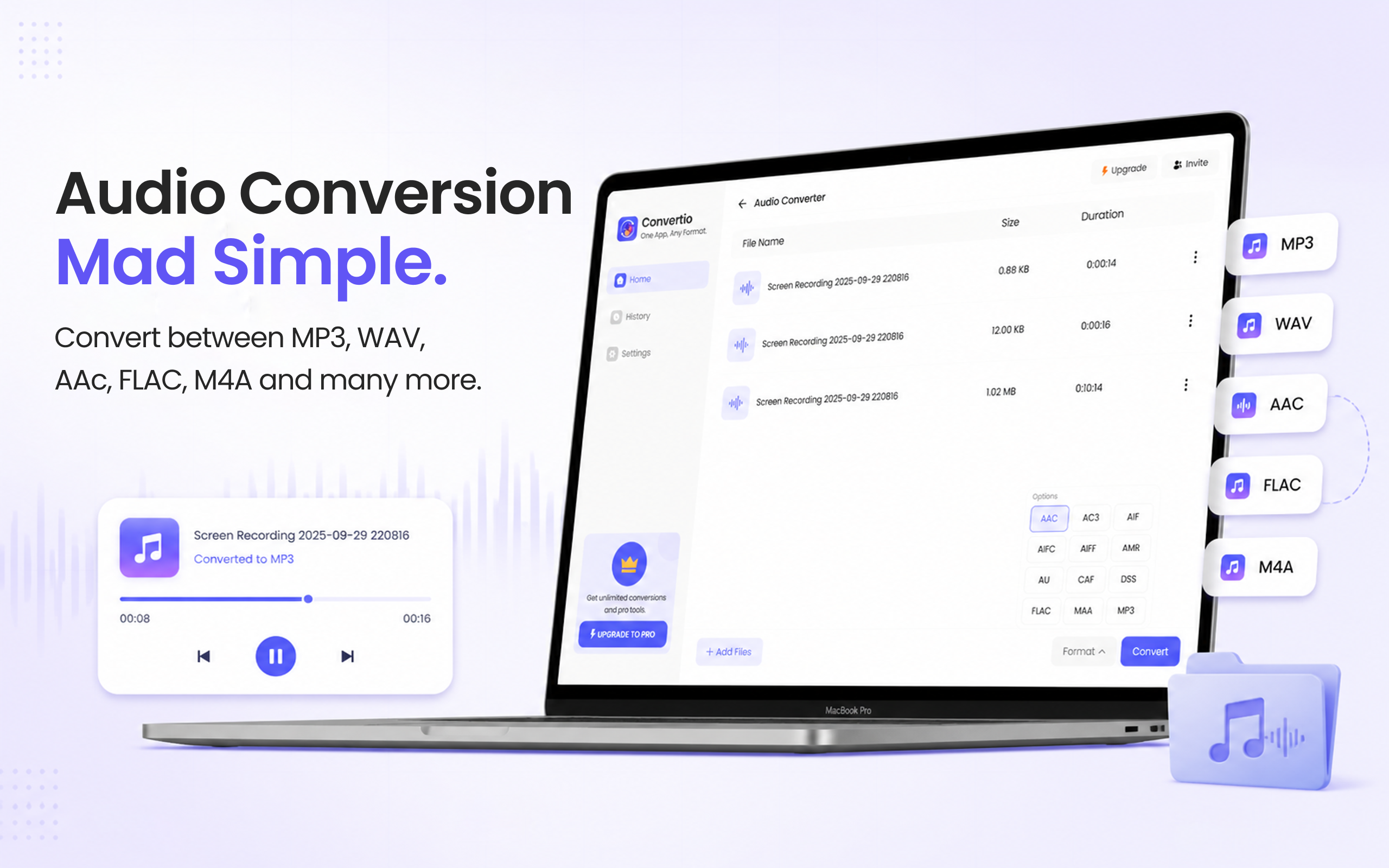
Audio converter MP3, WAV, M4A and more
Audio

Audio Conversion
Mad Simple.

Clean output across every format. Convert MP3, WAV, M4A, WEBA, WMA, and more without quality loss. Batch convert your entire library at once.
MP3WAVM4A WEBAWMAM4B AC3AMR
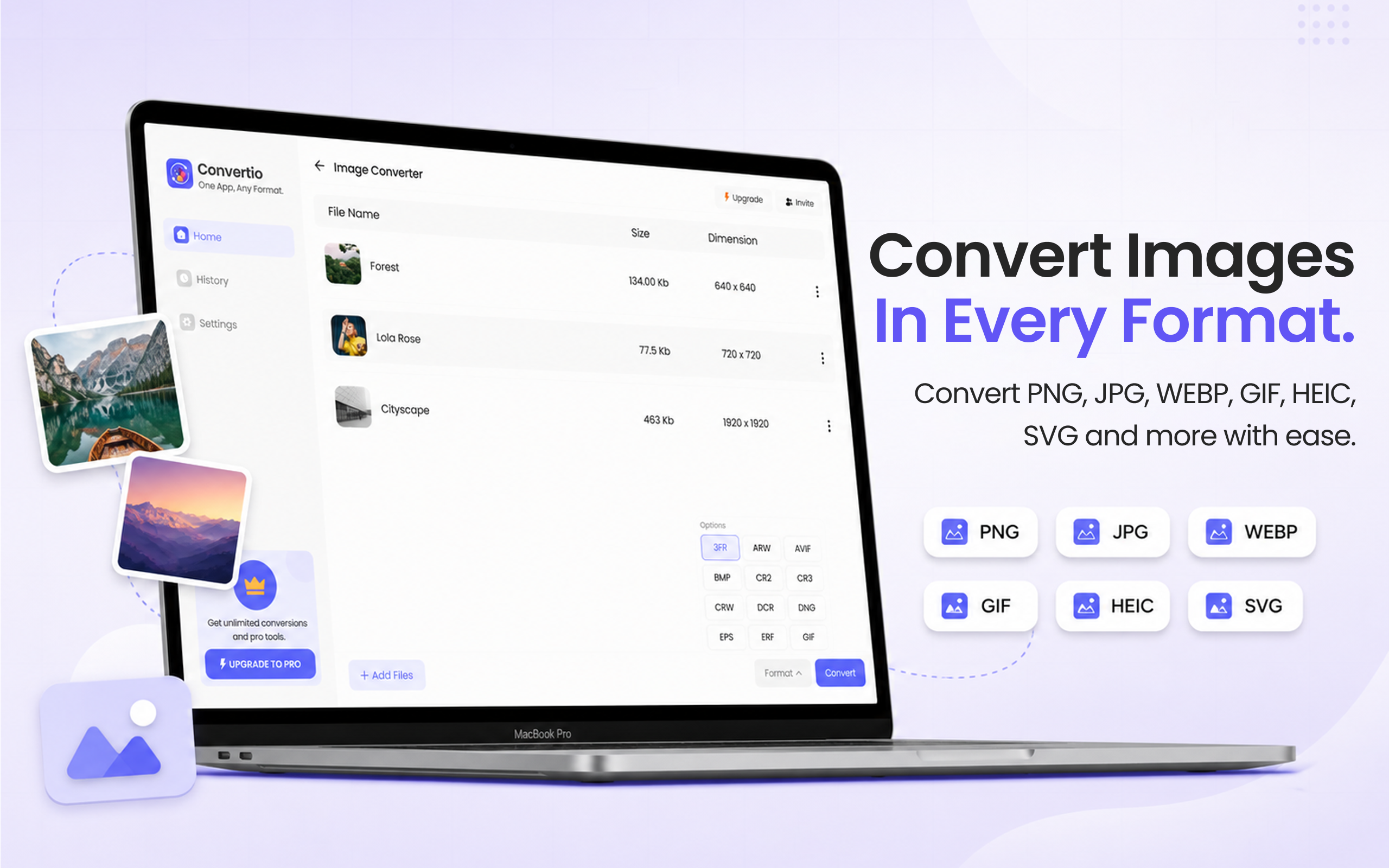
Image converter HEIC, PNG, WebP and more
Image

Convert Images
In Every Format.

Perfect for iPhone HEIC photos. Batch convert hundreds of images at once. HEIC, PNG, JPG, AVIF and more, without losing a pixel of quality.
HEICHEIFPNG JPGGIFAVIF
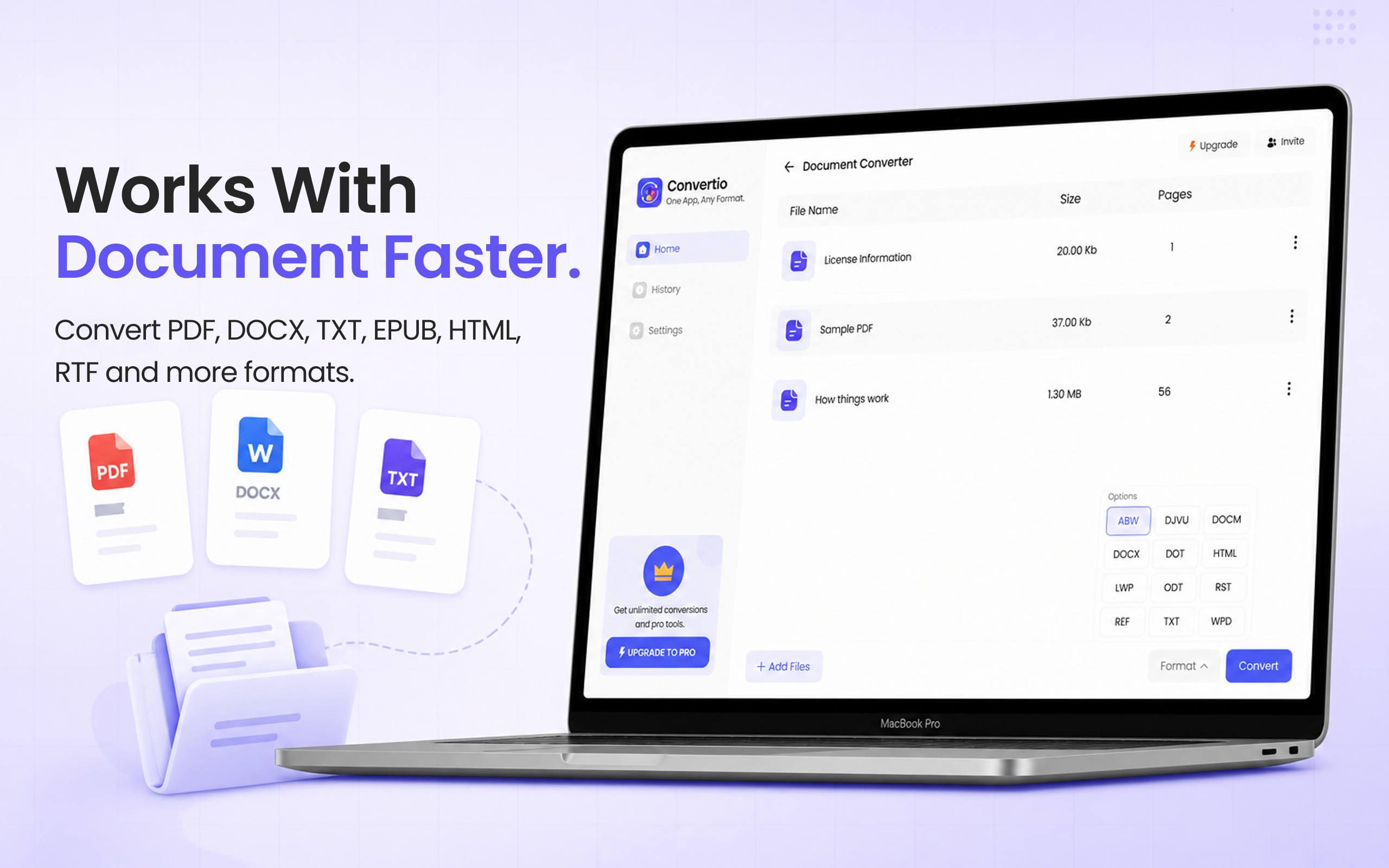
Document converter PDF, DOCX and more
PDF
Document

Works With
Documents Faster.

Word to PDF, PDF to Word, and everything between. Formatting, fonts, and layout preserved reliably across PDF, DOCX, DOC, HTML, TXT, and RTF.

PDFDOCXDOC HTMLTXTRTF WPSDOTX
Secure by design

Your files are in safe hands.

All conversions are processed on secure infrastructure. Your files are never stored beyond your session and are deleted as soon as the conversion is complete.

Per-format guides

Step-by-step guides for every format.

A dedicated walkthrough for each conversion, with screenshots, FAQs, and tips.

Convert HEIC to JPG on MaciPhone photos → universal JPG. Batch convert.
Convert HEIC to JPEG on MacSame as JPG. iPhone photos to JPEG.
Convert MOV to MP4 on MacQuickTime to universal MP4. Hardware accelerated.
Convert MOV to GIF on MacScreen recordings → animated GIFs.
Convert AVI to MP4 on MacLegacy AVI to modern MP4. H.264/H.265.
Convert to PDF on MacWord, RTF, HTML, TXT, images → PDF.
Convert PDF to Word on MacPDF → editable DOCX. Formatting preserved.
Common Questions

How to convert files on Mac

Answers to the most popular Mac file conversion questions.

Open the app, drag your HEIC photos into the Image converter, select JPG as the output, and click Convert. Batch convert hundreds of HEIC files at once. Read the full HEIC to JPG guide →
Open the Video converter, drag in your MOV file, choose MP4 as the output format, and hit Convert. Conversion completes in seconds with quality maintained. Read the full MOV to MP4 guide →
Open the Video converter, drag in your AVI file, pick MP4, and click Convert. The app also supports MKV, MOV, WEBM, GIF, MPEG, and TS as output formats. Read the full AVI to MP4 guide →
Use File Converter's Document converter on Mac. Drag in a Word document, image, or other file, choose PDF as the output, and click Convert. Fonts, formatting, and layout are preserved. Read the full Convert to PDF guide →
Drag your PDF into the Document converter, select DOCX as the output format, and click Convert. File Converter reliably preserves formatting when converting between PDF and Word. Read the full PDF to Word guide →
Open the Audio converter, drag in your audio file, choose MP3 as the output, and click Convert. You can also choose WAV, WEBA, WMA, or M4A. Related: MOV to GIF on Mac →
Yes, the app is free to start with no account required. A paid upgrade unlocks unlimited conversions, batch processing, and priority queue.

The only converter
you'll ever need.

Convert your first file in under 30 seconds. Free to start no signup, no cloud.

Download on the Mac App Store