File Converter
One App, Any Format.
QuickTime won't open MKV files. Convert them to MP4 and they play everywhere — QuickTime, iPhone, iPad, Apple TV — without fiddling with VLC profiles or HandBrake presets.
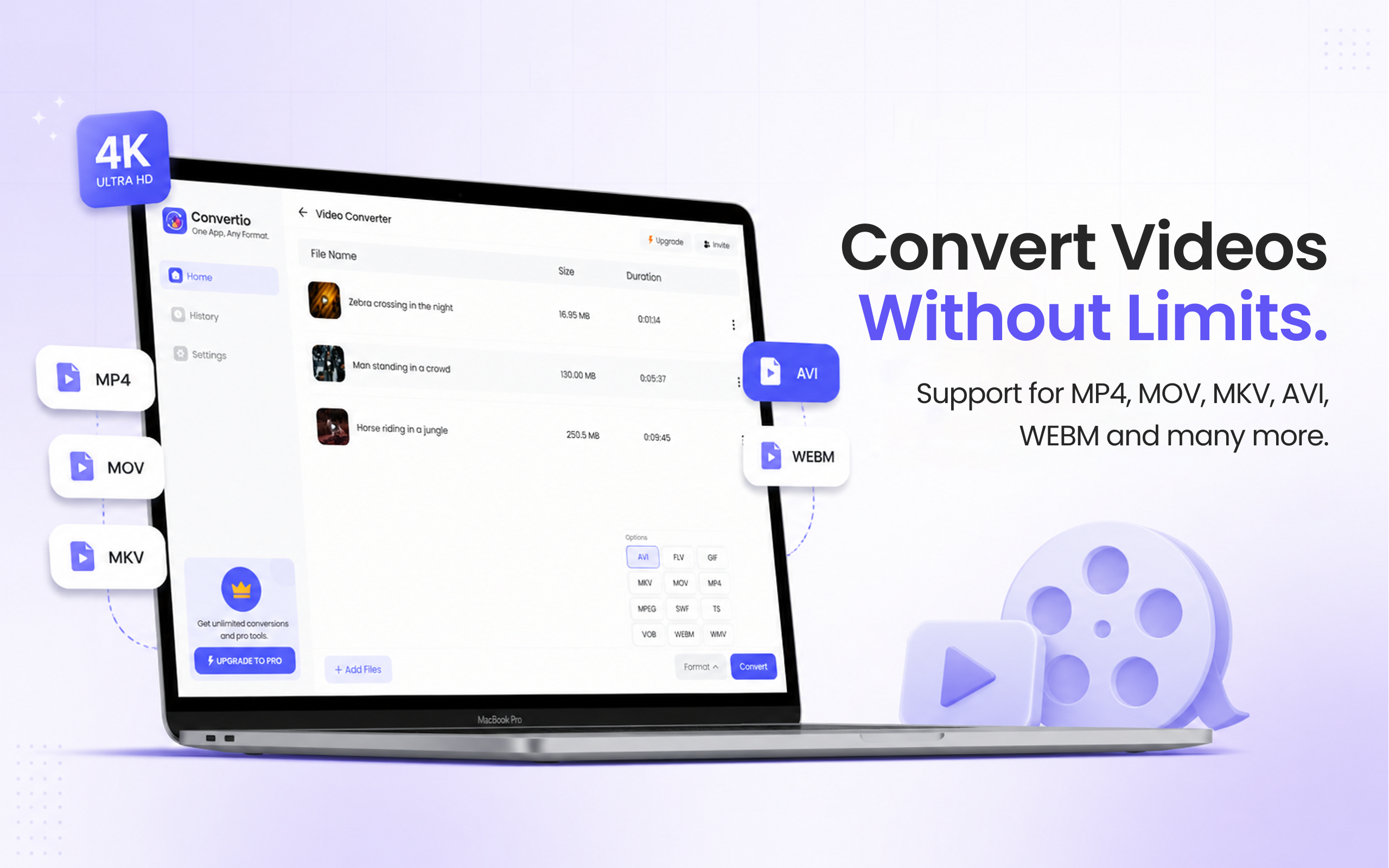
5 simple steps, done in under 30 seconds.
Get File Converter from the Mac App Store. Free to start, no account needed. Requires macOS 14 or later.
Launch the app and click Video Converter in the left sidebar.
Drag and drop your MKV files — single episodes or a whole season's folder.
Click the format dropdown and choose MP4 from the list.
Hit Convert. QuickTime-ready MP4s, saved straight to your Mac.
MKV is a container format popular for high-quality rips and downloads because it can hold multiple audio tracks and subtitles. But Apple's ecosystem never adopted it: QuickTime, iPhone, iPad, and Apple TV all refuse to play MKV. Converting to MP4 repackages the video into the container Apple devices expect. File Converter keeps the resolution and quality of the source — no re-encoding settings to learn, no VLC convert dialogs, no HandBrake preset roulette.
Files are deleted from servers immediately after conversion. No account required.
One app for video, audio, image, and document conversions.
Queue an entire folder of MKV files and convert them in one run.
Apple's media frameworks support specific containers — MOV, MP4, M4V — and MKV isn't one of them. The video inside an MKV is often already in a compatible codec; it's the container QuickTime rejects, which is why converting to MP4 fixes playback.
No meaningful quality is lost — the source's resolution and detail carry through to the MP4 for normal viewing.
Yes. Drag them all in and convert the batch in one run — then grab everything as a single ZIP download.
Download File Converter and turn your first MKV into an MP4 in minutes. Free to start.
Download Free for Mac