File Converter
One App, Any Format.
Videos saved from the web are often WebM — a format QuickTime, iMovie and iPhone all refuse. Convert them to MP4 and they open everywhere.
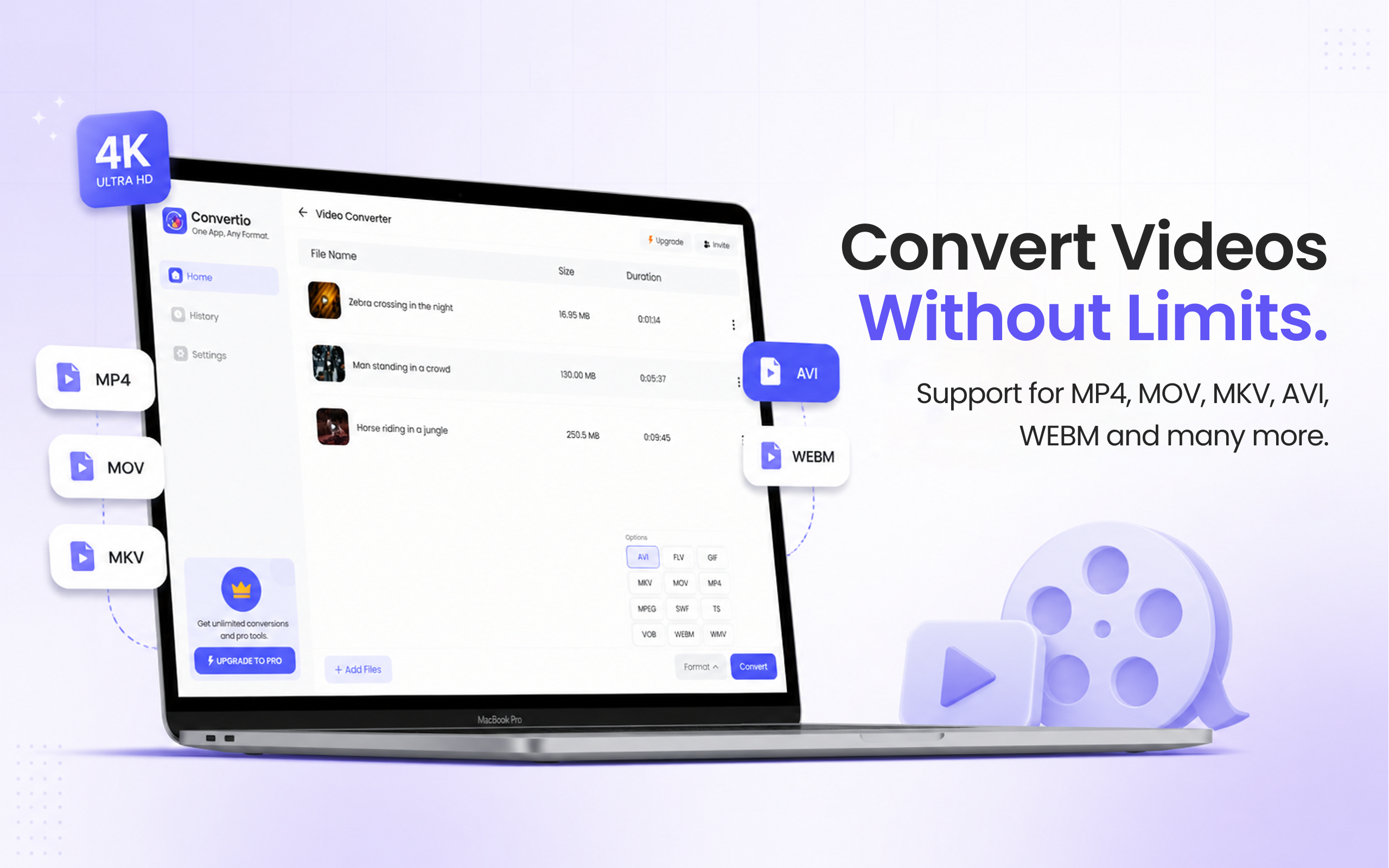
5 simple steps, done in under 30 seconds.
Get File Converter from the Mac App Store. Free to start, no account needed. Requires macOS 14 or later.
Launch the app and click Video Converter in the left sidebar.
Drag and drop the WebM files you downloaded or exported.
Click the format dropdown and choose MP4 from the list.
Hit Convert. Universally playable MP4s, saved straight to your Mac.
WebM is Google's open video format, built for embedding in web pages — screen recorders and download tools produce it constantly. Outside the browser, though, support is thin: QuickTime won't play it, iMovie won't import it, iPhones won't accept it via AirDrop. Converting to MP4 (H.264) puts the video in the one container everything accepts — editors, phones, TVs, and every messaging app. File Converter does it in a drag, single files or batches.
Files are deleted from servers immediately after conversion. No account required.
One app for video, audio, image, and document conversions.
Convert every WebM in your Downloads folder in one run.
Sites and tools that target browsers default to WebM because every browser plays it natively and the files are small. Save that video to disk, though, and macOS apps mostly can't open it.
Yes. File Converter outputs standard MP4 that iMovie imports and iPhones, iPads and Apple TV play natively.
Yes. Drag in as many as you like and convert them in one run, with a ZIP download for the whole batch.
Download File Converter and turn your first WebM into an MP4 in minutes. Free to start.
Download Free for Mac