File Converter
One App, Any Format.
Turn QuickTime MOV videos into animated GIFs on your Mac, perfect for sharing clips on Slack, Twitter, or anywhere that plays GIFs automatically. No account, no signups.
5 simple steps, done in under 30 seconds.
Get File Converter from the Mac App Store. Free to start, no account needed. Requires macOS 14 or later.
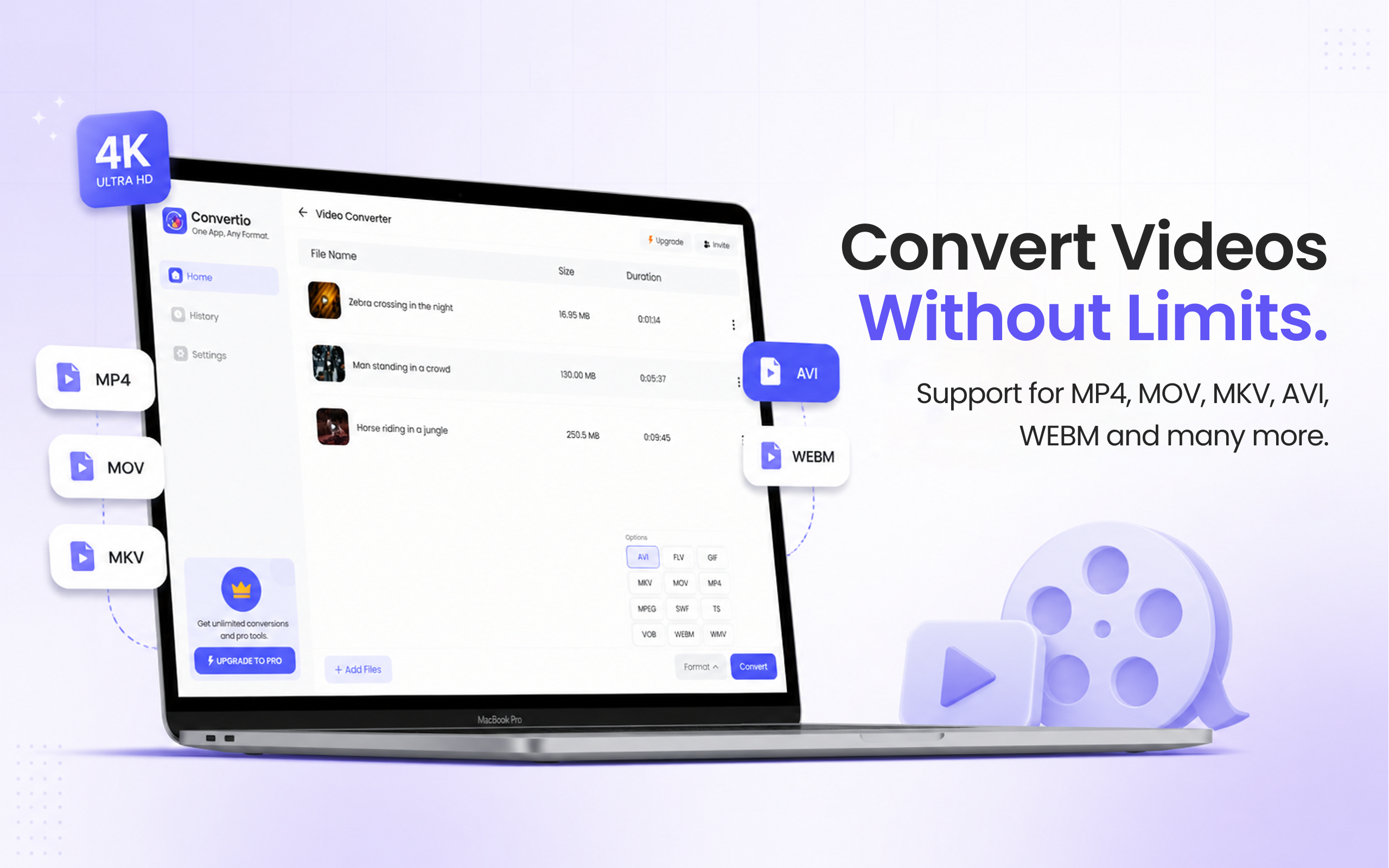
Launch the app and click Video Converter in the left sidebar.
Drag and drop your MOV file, or a folder of MOV videos, into the converter.
Click the format dropdown and choose GIF.
Hit Convert. Your animated GIF is saved to your Mac in seconds.
MOV is Apple's native QuickTime video format, great for recording and editing, but not always shareable everywhere. GIFs auto-play on almost every platform: Slack, Twitter/X, iMessage, Notion, GitHub, Reddit, and email clients. Converting a short MOV clip to GIF makes it instantly viewable without pressing play. It's perfect for sharing screen recordings, tutorials, product demos, and reaction clips without requiring the viewer to have QuickTime or a video player installed.
Files are deleted from servers immediately after conversion. No account required.
Converts MOV to GIF in seconds, even for HD screen recordings.
Convert multiple MOV files to GIF at once, no repeating the process.
Yes. File Converter can convert any MOV to GIF. For best results, keep GIFs short (under 30 seconds) since GIF files can become very large for longer clips, consider MP4 for longer videos instead.
No. GIF is an image-based format that does not support audio. If you need a shareable video with sound, convert MOV to MP4 instead, it's widely supported everywhere.
Yes. File Converter is free to start with no account required. Files up to 100 MB are supported on the free tier. A paid upgrade unlocks unlimited conversions.
Download File Converter and turn your first MOV into an animated GIF in under 30 seconds. Free to start.
Download Free for Mac