File Converter
One App, Any Format.
SVGs are perfect for design tools — and useless in chats, docs, and half the web's upload forms. Convert vector graphics to PNG in seconds, single files or whole icon sets.
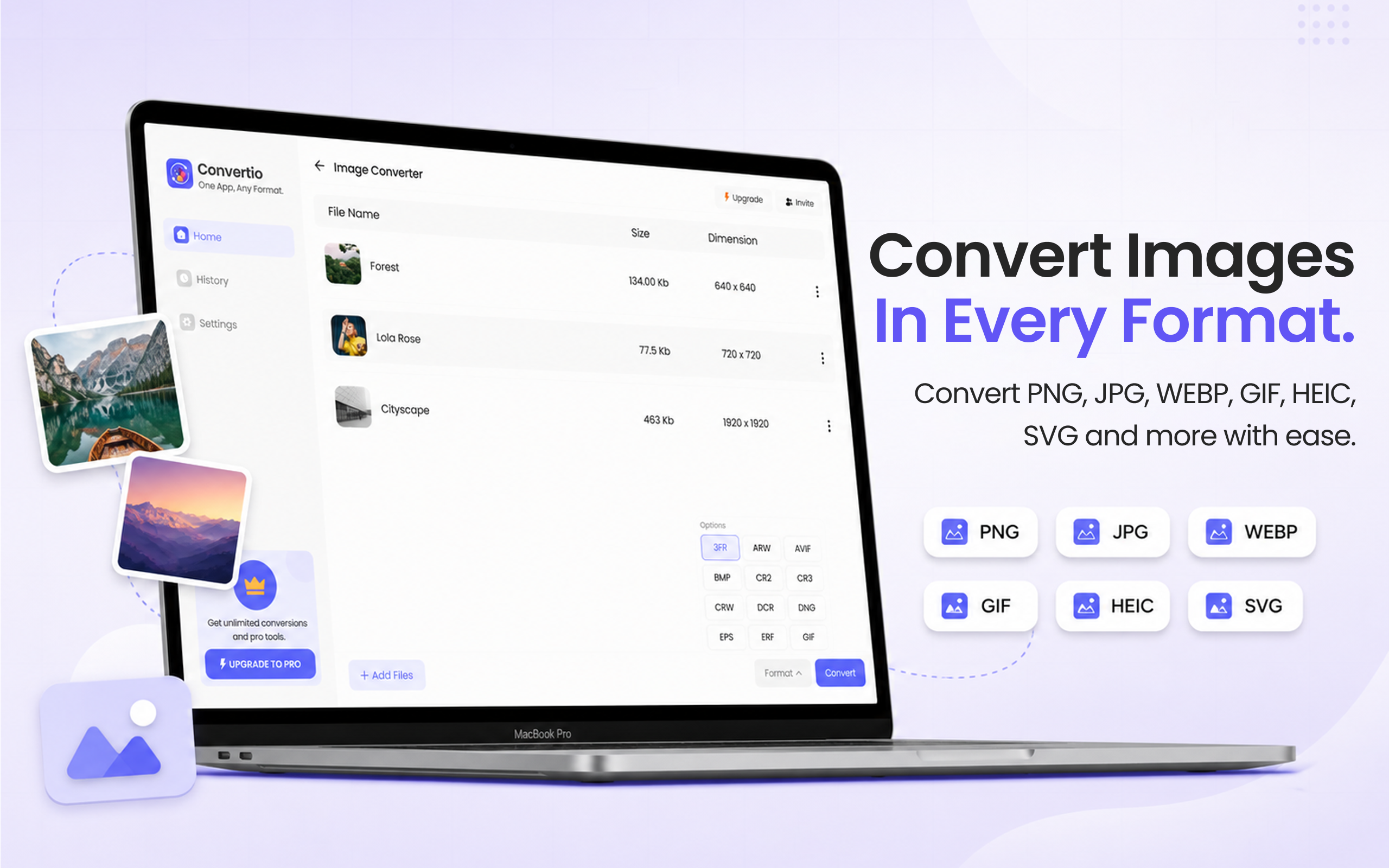
5 simple steps, done in under 30 seconds.
Get File Converter from the Mac App Store. Free to start, no account needed. Requires macOS 14 or later.
Launch the app and click Image Converter in the left sidebar.
Drag and drop your SVGs — a single logo or a whole folder of icons.
Click the format dropdown and choose PNG from the list.
Hit Convert. Crisp PNGs with transparency preserved, saved straight to your Mac.
SVG is a vector format — infinitely scalable and ideal for logos and icons, but many apps can't display it: Slack previews, Word documents, older CMSs, print shops, and most upload forms want raster images. Converting to PNG keeps sharp edges and transparency while making the file universally viewable. File Converter handles SVGs that Preview chokes on and batch-converts entire icon sets in one drag.
Files are deleted from servers immediately after conversion. No account required.
One app for video, audio, image, and document conversions.
Convert a whole folder of SVG icons to PNG in one run.
Yes. PNG supports alpha transparency, so logos and icons keep their transparent backgrounds after conversion.
macOS Preview has limited, inconsistent SVG support — files with embedded fonts or advanced features often render wrong or not at all. File Converter processes the SVG and returns a clean PNG.
Yes. Drag the whole folder in and every SVG becomes a PNG in a single conversion run.
Download File Converter and turn your first SVG into a PNG in under 30 seconds. Free to start.
Download Free for Mac