File Converter
One App, Any Format.
AVI is an older Windows format with limited support on Mac. Convert to MP4 for full compatibility with every device, platform, and video player, offline, in seconds.
5 simple steps, done in under 30 seconds.
Get File Converter from the Mac App Store. Free to start, no account needed. Requires macOS 14 or later.
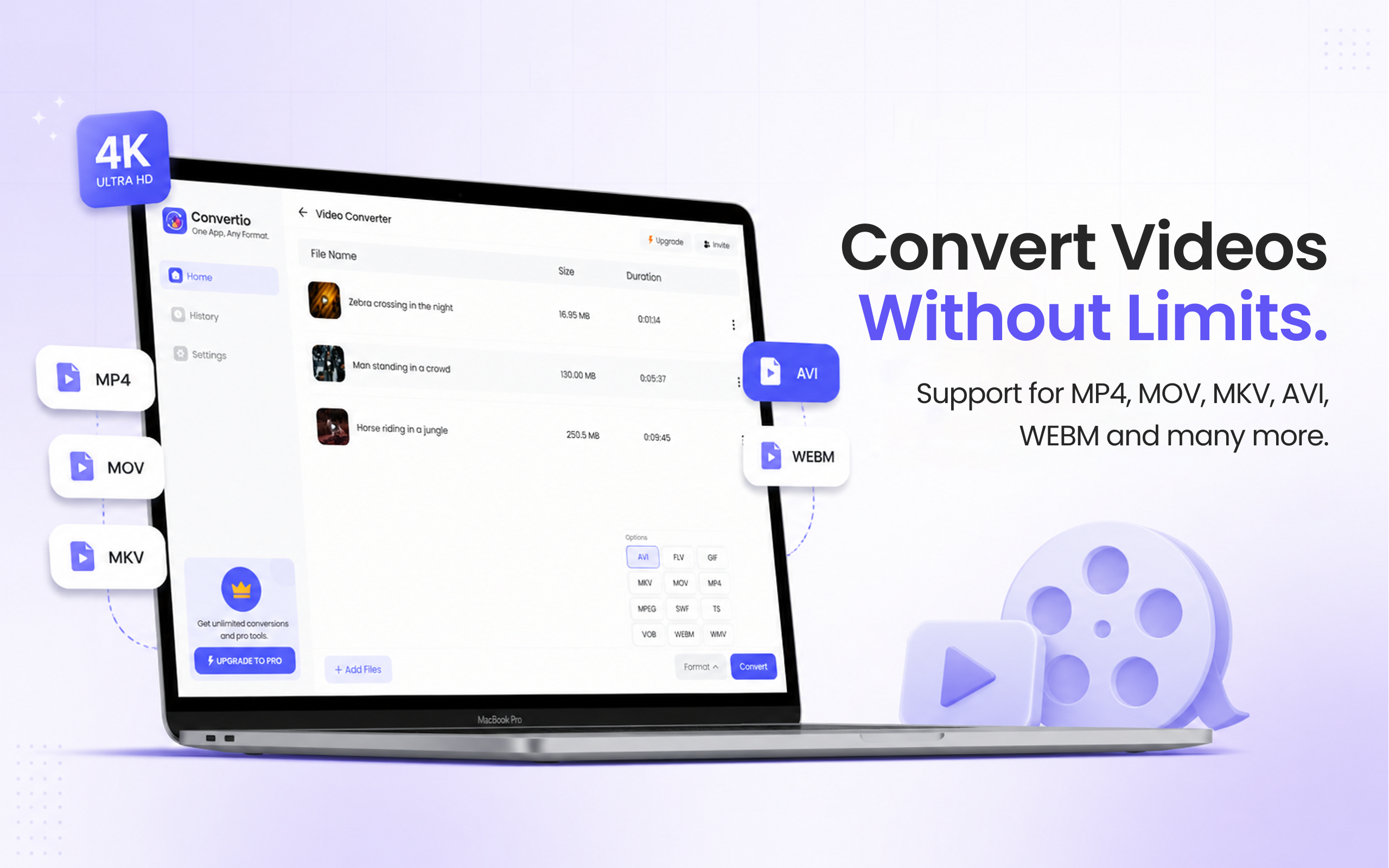
Launch the app and click Video Converter in the left sidebar.
Drag and drop your AVI file into the converter. You can add multiple files at once.
Click the format dropdown and choose MP4.
Hit Convert. Your MP4 is ready in seconds.
AVI (Audio Video Interleave) is a legacy Microsoft format from the 1990s. It often uses codecs, like DivX or Xvid, that macOS doesn't support natively, causing playback issues or requiring additional software. MP4 (H.264) is the modern universal standard: it plays on every Mac, iPhone, Android, and Windows PC without extra codecs, and is accepted by all streaming platforms. Converting AVI to MP4 fixes compatibility issues once and for all.
Files are deleted from servers immediately after conversion. No account required.
Conversion is fast with quality maintained throughout.
Convert multiple AVI files to MP4 at once.
AVI files often use codecs like DivX or Xvid that aren't natively supported on macOS. QuickTime and some other Mac players can't decode them. Converting to MP4 (H.264) solves the compatibility problem permanently.
Quality is preserved through the conversion process.
Yes. File Converter is free to start with no account required. Files up to 100 MB are supported on the free tier. A paid upgrade unlocks unlimited file sizes and conversions.
Download File Converter and convert your first AVI to MP4 in under 30 seconds. Free to start.
Download Free for Mac