File Converter
One App, Any Format.
Pull the audio out of any video in one step. QuickTime only exports M4A — File Converter goes straight from MP4 to MP3, no second app, no account required.
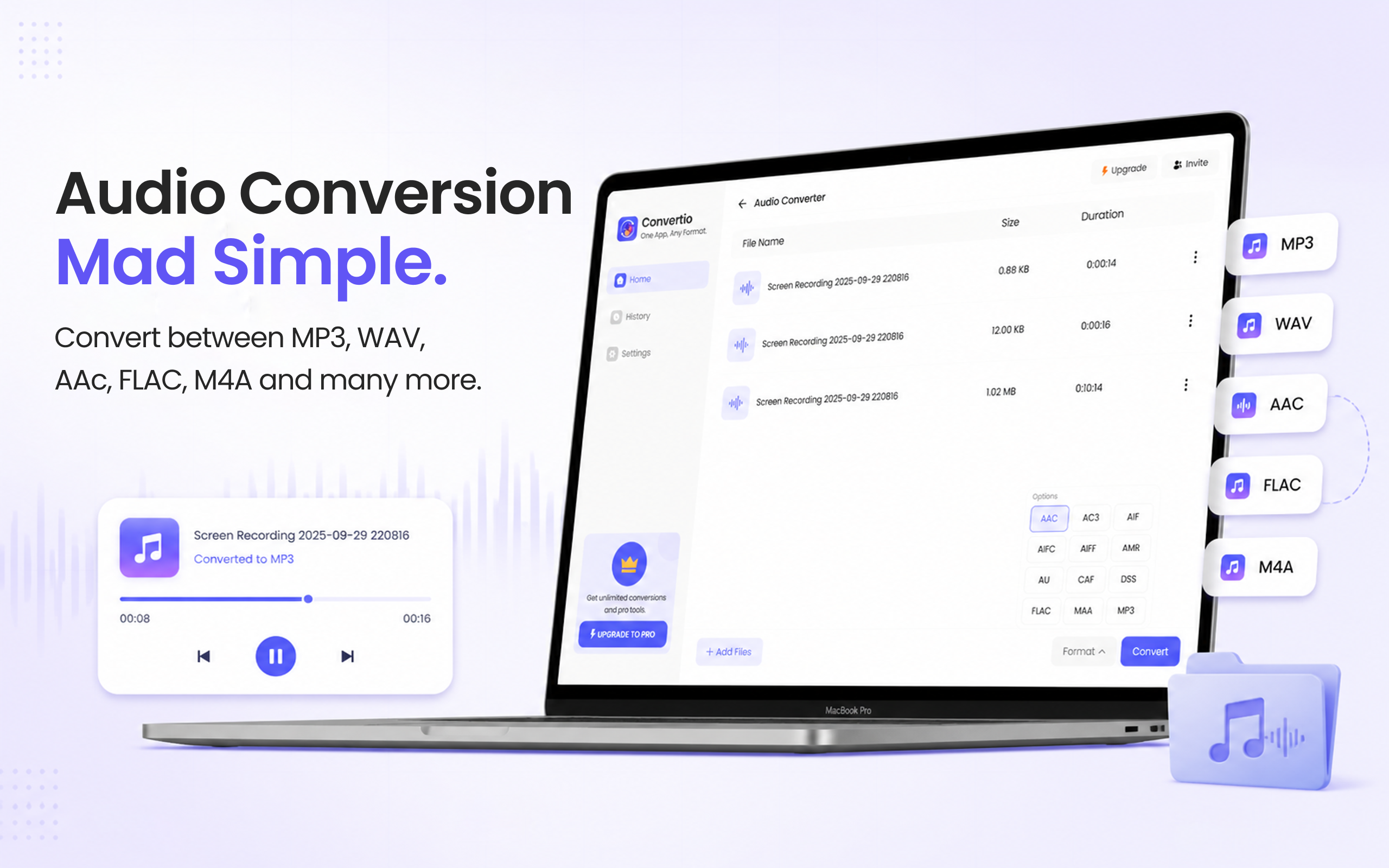
5 simple steps, done in under 30 seconds.
Get File Converter from the Mac App Store. Free to start, no account needed. Requires macOS 14 or later.
Launch the app and click Audio Converter in the left sidebar.
Drag and drop the MP4 files whose audio you want — one clip or a whole batch.
Click the format dropdown and choose MP3 from the list.
Hit Convert. Each video's soundtrack is saved as an MP3 on your Mac in seconds.
The audio is often the only part of a video you need — a lecture to listen to on a run, a podcast recorded as video, music from a clip, a meeting recording for your notes app. macOS makes this a two-tool job: QuickTime exports audio only as M4A, and turning that into MP3 means a detour through Apple Music's import settings. File Converter does it in one drag: MP4 in, MP3 out, at the original bitrate — and it batch-converts a folder of videos just as easily.
Files are deleted from servers immediately after conversion. No account required.
One app for video, audio, image, and document conversions.
Drop a folder of videos and get one MP3 per clip in a single run.
Not directly. QuickTime's Export As → Audio Only produces an M4A file, and converting that to MP3 requires changing import settings in the Apple Music app and converting there. File Converter goes from MP4 to MP3 in one step.
MP3 is a lossy format, but File Converter extracts at the source's bitrate, so the result sounds the same as the video's soundtrack for everyday listening.
Yes. Drag any number of MP4 files in and every one becomes its own MP3 in a single conversion run — and you can download the batch as a ZIP.
Download File Converter and turn your first video into an MP3 in under 30 seconds. Free to start.
Download Free for Mac