File Converter
One App, Any Format.
MOV is Apple's native video format but MP4 is the universal standard, supported by every device, platform, and video player. Convert in seconds, entirely with no account required.
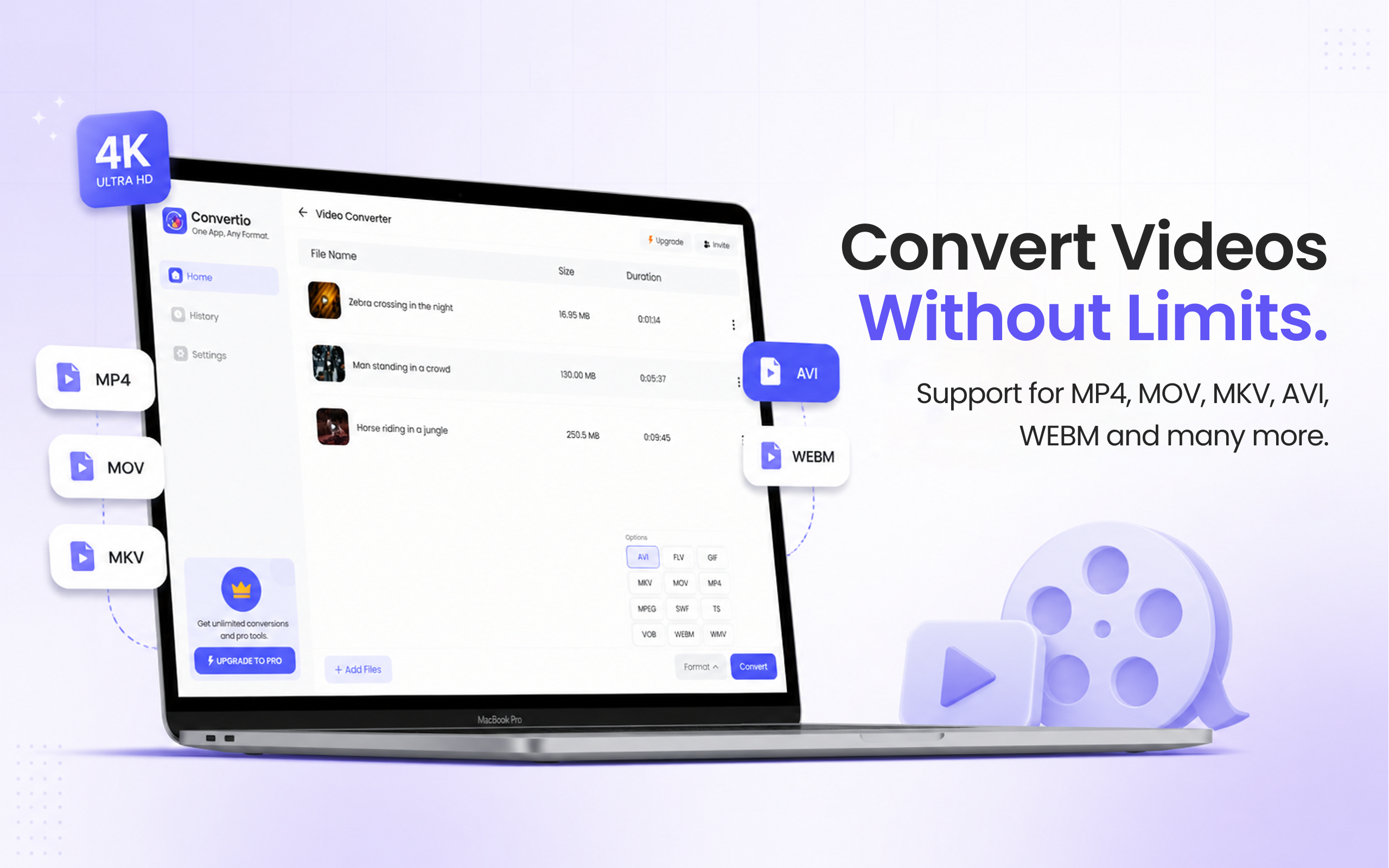
5 simple steps, done in under 30 seconds.
Get File Converter from the Mac App Store. Free to start, no account needed. Requires macOS 14 or later.
Launch the app and click Video Converter in the left sidebar.
Drag and drop your MOV file into the converter. You can add multiple videos at once.
Click the format dropdown and choose MP4 from the list.
Hit Convert. Your MP4 is ready in seconds with quality maintained.
MOV is Apple's container format, it works perfectly on Mac, iPhone, and iPad, but can cause compatibility issues on Android, Windows, and most video platforms. MP4 (H.264) is the universal video standard: it plays natively on every device, is accepted by YouTube, Twitter, Instagram, and all major platforms, and typically results in smaller file sizes. Quality is maintained through the conversion process.
Files are deleted from servers immediately after conversion. No account required.
Uses Apple Silicon or Intel GPU for fast encoding without quality loss.
Convert multiple MOV files at once, drop them all in together.
Not noticeably. Visual quality is preserved through conversion. You can also adjust the bitrate settings for higher quality output.
Yes. Before converting, File Converter lets you set the output resolution, bitrate, and frame rate to match exactly what you need.
Yes. File Converter is free to start with no account required. Files up to 100 MB are supported on the free tier. A paid upgrade unlocks unlimited file sizes and conversions.
Download File Converter and convert your first MOV to MP4 in under 30 seconds. Free to start.
Download Free for Mac