File Converter
One App, Any Format.
HEIC photos from your iPhone aren't always compatible with Windows PCs, websites, and older apps. Convert to JPEG in seconds, works everywhere, no cloud required.
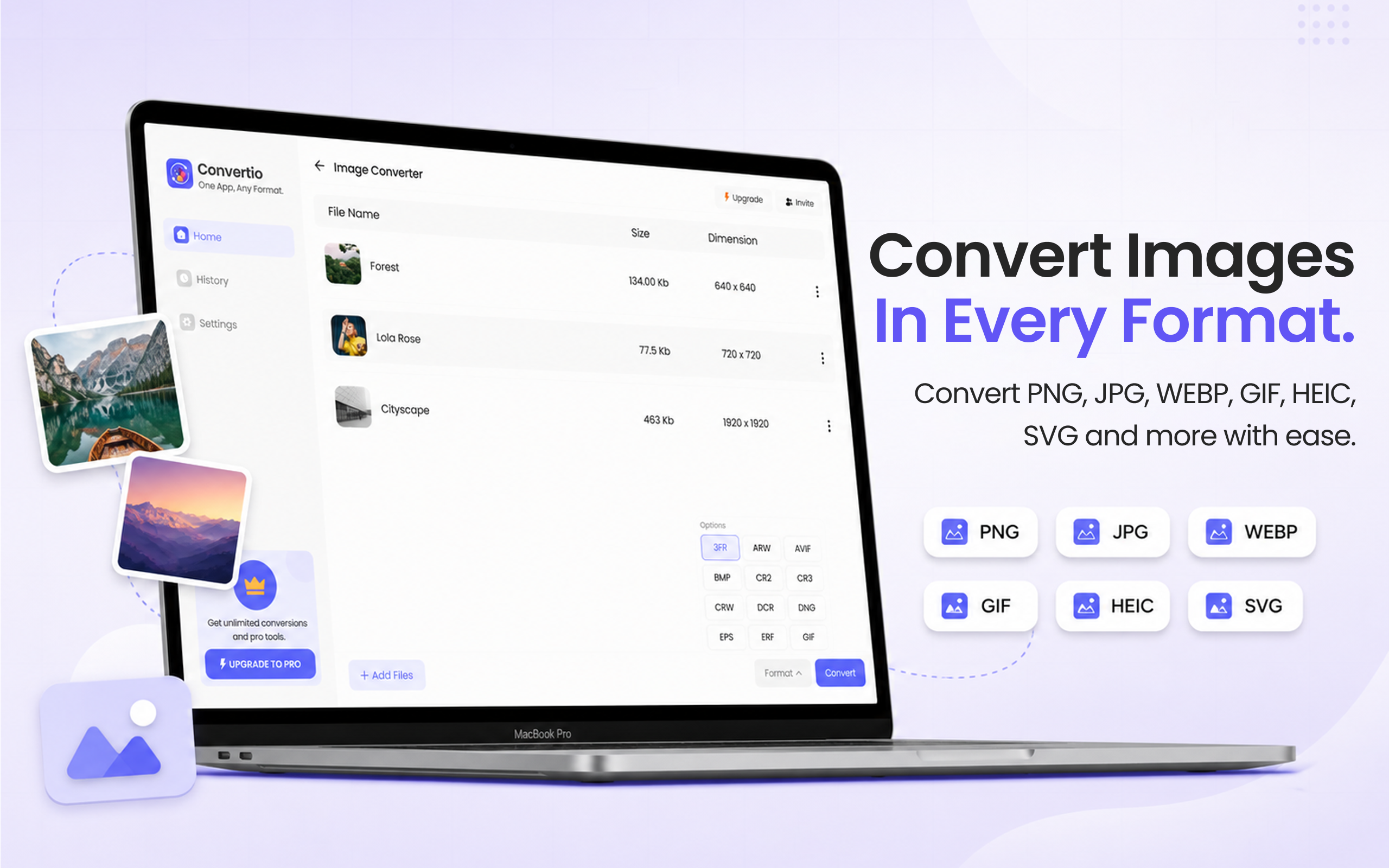
5 simple steps, done in under 30 seconds.
Get File Converter from the Mac App Store. Free to start, no account needed. Requires macOS 14 or later.
Launch the app and click Image Converter in the left sidebar.
Drag and drop your HEIC files, or a whole folder of iPhone photos, into the converter.
Click the format dropdown and choose JPEG (same as JPG, just a different file extension).
Hit Convert. Your JPEG files are saved to your Mac in seconds, ready to share anywhere.
HEIC is Apple's default photo format on iPhones. It produces smaller file sizes than JPEG with similar quality, but it's not universally supported. Windows doesn't open HEIC without extra software. Many websites and social platforms won't accept HEIC uploads. Older apps like Lightroom 5 or Photoshop CS6 can't read them. JPEG, on the other hand, works everywhere. Note: JPEG and JPG are exactly the same format, the difference is just the file extension (.jpeg vs .jpg). File Converter outputs the full-quality JPEG with no noticeable visual difference.
Files are deleted from servers immediately after conversion. No account required.
Drop a whole iPhone photo album and convert every HEIC to JPEG at once.
Converts hundreds of HEIC photos to JPEG in seconds on your Mac.
JPEG and JPG are the same format. JPG is a shortened file extension that originated on older Windows systems (which limited extensions to 3 characters). The image quality and file contents are completely identical.
JPEG uses lossy compression, so there is a very slight quality reduction compared to HEIC. However, at high quality settings the difference is invisible to the naked eye, and since iPhone HEIC photos are themselves compressed, the conversion loss is minimal.
Yes. File Converter is free to start with no account required. Files up to 100 MB are supported on the free tier. A paid upgrade unlocks unlimited conversions.
Download File Converter and turn your first HEIC photo into a JPEG in under 30 seconds. Free to start.
Download Free for Mac