File Converter
One App, Any Format.
PDFs are read-only by design. Convert to Word (DOCX) so you can edit the content, change formatting, and collaborate, all with no account required.
5 simple steps, done in under 30 seconds.
Get File Converter from the Mac App Store. Free to start, no account needed. Requires macOS 14 or later.
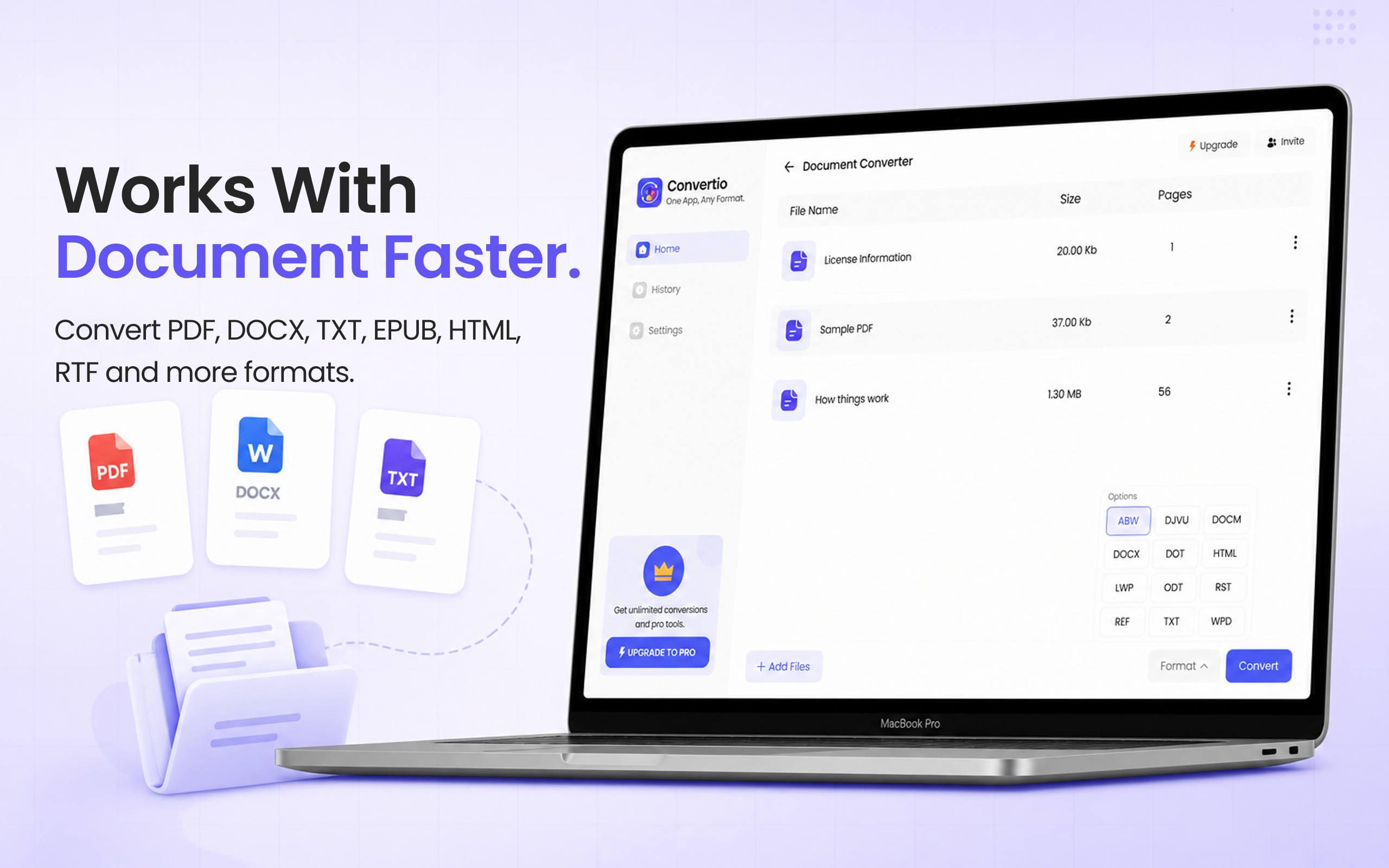
Launch the app and click Document Converter in the left sidebar.
Drag and drop your PDF into the converter. You can add multiple PDFs at once.
Click the format dropdown and choose DOCX (Microsoft Word format).
Hit Convert. Your editable Word document is saved to your Mac in seconds.
PDFs are the standard for sharing final documents, but when you need to make edits, copy text freely, or collaborate with others, you need Word. Converting PDF to DOCX unlocks the content, you can change text, adjust formatting, add or remove sections, and save it back. File Converter preserves fonts, tables, and layout through the conversion, entirely with no account required.
Files are deleted from servers immediately after conversion. No account required.
Fonts, tables, and layout are maintained through the conversion.
Convert multiple PDFs to Word documents at once.
Yes. File Converter preserves fonts, tables, columns, and layout as accurately as possible. Complex PDFs with heavy design may have minor differences, but text-based documents convert very cleanly.
Best results are with text-based PDFs. Scanned PDFs are images of pages and require OCR (optical character recognition) to extract editable text, which may reduce accuracy.
File Converter outputs DOCX, which is the modern Microsoft Word format compatible with Word 2007 and later, Apple Pages, and Google Docs.
Download File Converter and convert your first PDF to Word in under 30 seconds. Free to start.
Download Free for Mac