File Converter
One App, Any Format.
Convert Word documents, RTF, HTML, TXT, and more to PDF on your Mac. PDF is the universal format for sharing, printing, and archiving that looks the same on every device.
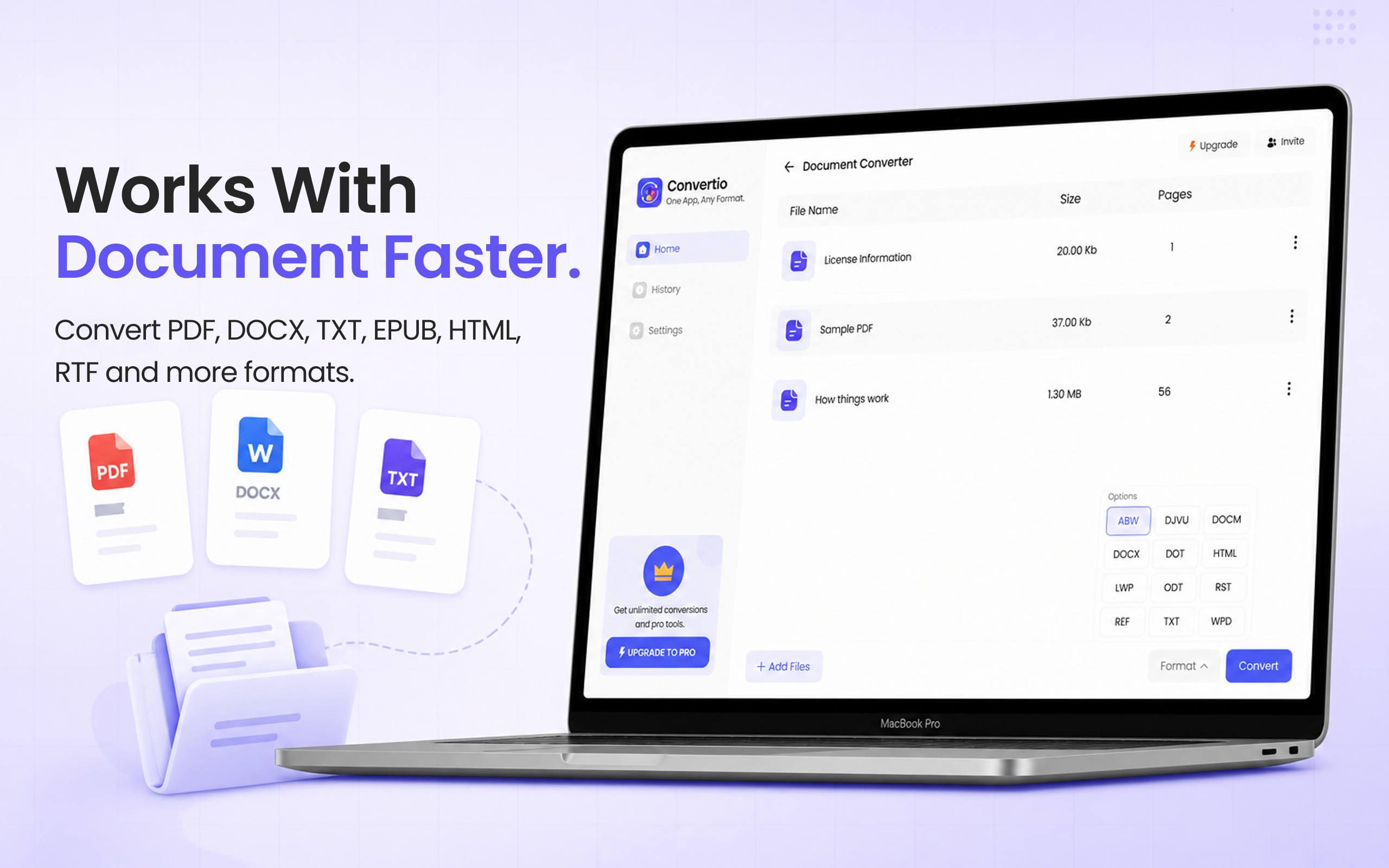
5 simple steps, done in under 30 seconds.
Get File Converter from the Mac App Store. Free to start, no account needed. Requires macOS 14 or later.
Launch the app and click Document Converter in the left sidebar.
Drag and drop your document file, Word (DOCX/DOC), RTF, HTML, or TXT, into the converter.
Click the format dropdown and choose PDF.
Hit Convert. Your PDF is saved to your Mac in seconds with fonts and layout preserved.
PDF is the gold standard for sharing documents, it looks identical on every device, operating system, and printer. Whether you are converting a Word document, an RTF file, or HTML, PDF locks in the formatting so nothing shifts when opened elsewhere. File Converter handles all common document formats to PDF with no account required.
Files are deleted from servers immediately after conversion. No account required.
Convert from Word, JPG, PNG, HEIC, EPUB, HTML, RTF and more to PDF.
Convert multiple files to PDF at once.
The Document Converter supports DOCX, DOC, RTF, HTML, TXT, and more as input. Output is always PDF.
Yes. Fonts, layout, images, and page structure are preserved when converting to PDF. The PDF will look the same on any device or printer.
Yes. File Converter is free to start with no account required. Files up to 100 MB are supported on the free tier. A paid upgrade unlocks unlimited file sizes and conversions.
Download File Converter and create your first PDF in under 30 seconds. Free to start.
Download Free for Mac