 Widget Vault
To-Do List Widget for Mac: Check Off Tasks on Your Desktop
A task list you never see is a task list you never finish. Putting a to-do widget on your Mac desktop keeps today's list literally in front of you — and because Widget Vault's widget is interactive, you check items off by clicking them on the widget. The satisfying strikethrough happens right on your desktop.
What makes it different from a to-do app
- Zero windows. The list lives on the desktop; ticking a task never interrupts what you're doing.
- Instant sync. Check something off on the widget and it's checked in the Widget Vault app too — and vice versa.
- Progress you can feel. The widget shows your completed count (2/5 done), which is a surprisingly strong motivator.
- Styles that fit your desk. From clean dark cards to bokeh, lava and spider-web art themes.
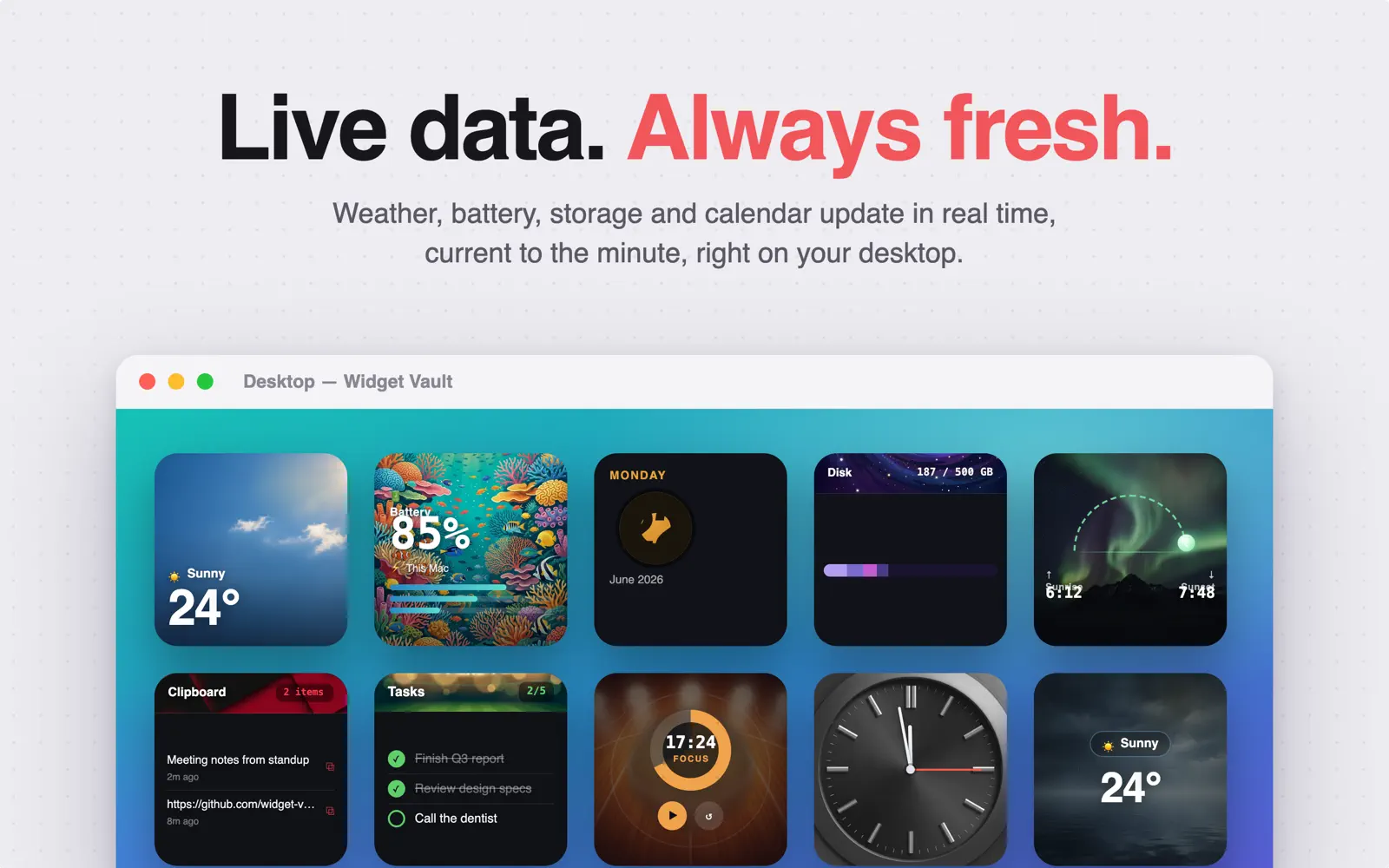
Put your tasks on the desktop
- Download Widget Vault and open it.
- Add a few tasks in the To-Do List section and pick a widget style you like.
- Control-click your desktop → Edit Widgets → drag the To-Do List widget from the Widget Vault section.
- Pick a size: Small shows your next tasks, Medium and Large show more of the list.
- Click a task's circle on the widget to complete it. Done.
Never added a desktop widget before? Start with how to add widgets to your Mac desktop.
A simple system that sticks
Keep the widget list short — three to five things you'll actually do today. Pair it with the Pomodoro widget next to it: pick the top task, start a 25-minute session, check it off when the ring closes. Two widgets, one very productive corner of your desktop.
Common questions
Can I check off tasks without opening the app?
Yes. The checkboxes on the widget are real buttons (macOS 14 interactive widgets). The change syncs to the app instantly.
Where do my tasks live?
In the Widget Vault app, stored only on your Mac. No account, no cloud, no tracking — your list is yours.
Is the to-do widget free?
It's a Premium widget: try it free for 7 days, then $1.99/month, $9.99/year or $19.99 lifetime. The clocks and Pomodoro timer are free forever.
Today's list, on today's desktop
Try the interactive to-do widget free for 7 days — along with weather, clipboard, battery and more.

Free download · macOS 14 Sonoma or later