 Widget Vault
Calendar Widget for Mac Desktop: Month View & Agenda at a Glance
"What's the date again?" shouldn't require opening an app. A calendar widget on your Mac desktop answers it before you ask — today's date in bold, the month laid out around it, busy days dotted. Widget Vault's calendar widget does all three, in styles that range from editorial poster type to neon.
Pick the view that matches how you think
- Month grid — the classic wall-calendar layout with event dots marking busy days, today highlighted.
- Agenda view — your upcoming schedule as a list, for people who plan in sequences rather than grids.
- Date tile — a bold "TUESDAY 23" poster tile that doubles as desk art; perfect in Small size.
A click on the widget takes you into Calendar when you need the full picture — the widget is the glance, not the destination.
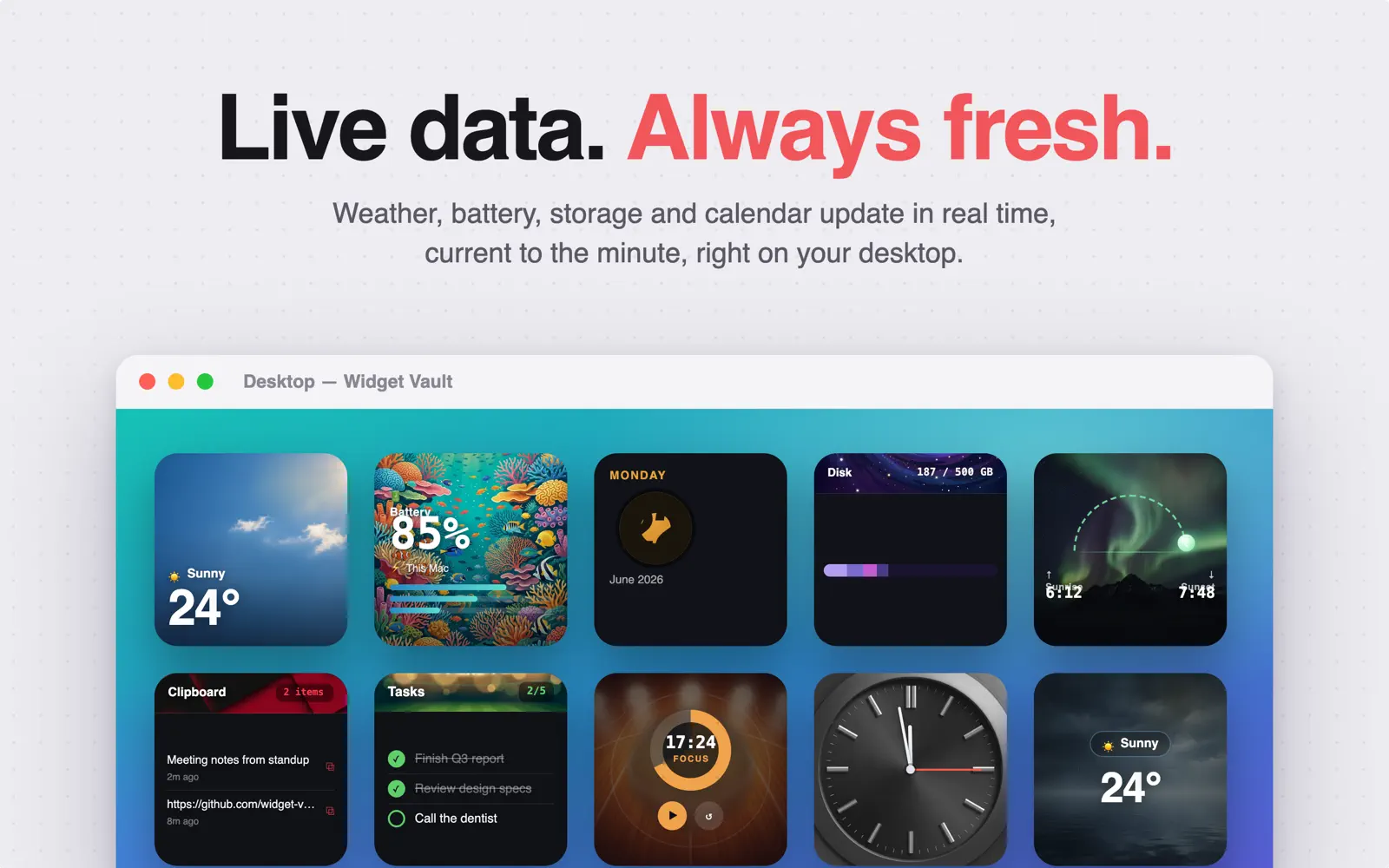
Put the calendar on your desktop
- Download Widget Vault and open it once.
- Select Calendar in the widget gallery and choose your style — grid, agenda or date tile — with a live preview.
- Control-click your wallpaper → Edit Widgets → find Widget Vault → drag the calendar wherever you look most.
- Right-click to size it: Small for the date tile, Medium or Large for the month grid.
The generic steps, illustrated: how to add widgets to your Mac desktop.
Style it to your setup
The calendar comes in themed treatments — bold red editorial, neon glow, vaporwave — and every style supports Dark Mode. On macOS 26 Tahoe it takes on the Liquid Glass look, letting your wallpaper glow through the grid.
Common questions
Does the widget show today automatically?
Yes — it's live. The date, month layout and event dots roll over at midnight without you touching anything.
Month grid or agenda — which size do I need?
The date tile shines at Small, the agenda at Medium, and the month grid is best at Medium or Large. You can add two calendar widgets in different styles if you want both views.
Is the calendar widget free?
It's a Premium widget — 7-day free trial, then $1.99/month, $9.99/year or $19.99 lifetime. Clocks and the Pomodoro timer stay free.
Your month, always in view
Add the calendar widget — plus weather, tasks and 7 more — with a free 7-day Premium trial.

Free download · macOS 14 Sonoma or later